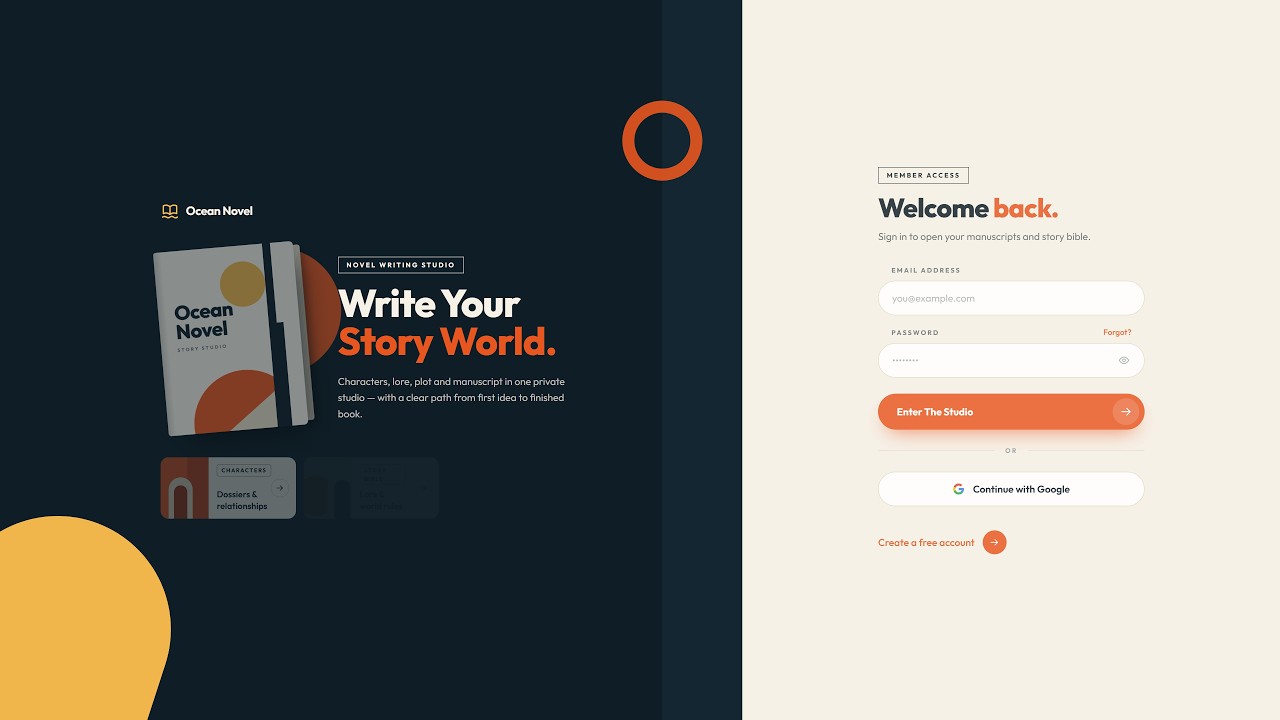
KDP Publishers: Moving Into Fiction?

Plan, Write & Export Your KDP Fiction Series Every Character, Place & Plot Thread, Kept Straight.

Series readers notice when the details don't add up. Ocean Novel keeps your story bible, cast, world and plot right beside your manuscript, so you write with all of it in view. Then export a Word file you can upload to KDP.

  1. 1Story Bible
  2. 2Characters
  3. 3World
  4. 4Write
  5. 5Export
$17 one-time No monthly fees Up to 3 books: room for a trilogy
oceannovelpro.kojilaunch.com
See it in action · 3 min
Export to Word (.docx)
Every character in one board
Yes! Give Me Ocean Novel for $17

Instant access · Set up in under a minute

30-day money-back guarantee Runs in your browser Cloud sync to your account

Blue eyes in chapter 2. Brown by chapter 14?

Characters boardPortraits, goals, flaws and relationships on one board, and an “in this scene” panel shows who's on stage while you write.

Renamed a character halfway through the draft?

Search & ReplaceChange a name across your manuscript, characters, places and notes at once, with a preview first and undo after.

Chapter 9 lives in “final_FINAL_v3.docx”?

Writing StudioOne binder of parts, chapters and scenes. Drag to reorder, @mention your cast, and every change autosaves.

Strong opening, then the middle falls apart?

Plot & TimelineLay out three acts and your story arcs, then tick off each turning point as you write it.
The Scattered Way

Still Writing Your KDP Novel the Scattered Way?

Most unfinished novels don't fail for lack of ideas. They stall because the story lives in too many places and nobody can keep all of it in their head.

The Tab Juggle: a writer's desk buried in scattered notes, tabs and documents
01

The Tab Juggle

Your story lives in ten different places.

Draft in one doc, characters in a spreadsheet, world notes in an app, plot on sticky notes. Every writing session starts with ten minutes of hunting.

You spend more time finding your story than writing it.

The Copy-Paste Loop: pages carried endlessly back and forth between two windows
02

The Copy-Paste Loop

Drafting with an AI chat? You become the memory.

You paste chapters back and forth, re-explain your characters every session, and try to remember which version of chapter 7 is the real one.

The chat forgets. Your notes are everywhere. The book drifts.

The Continuity Leak: two portraits of the same character with mismatched details
03

The Continuity Leak

Small details slip, and series readers notice.

A character's age changes. A city moves across the map. Someone who was an enemy in book one is suddenly an old friend.

Each slip is small. Together they break the reader's trust.

The Saggy Middle: a bridge of book spines sagging in the middle
04

The Saggy Middle

Great opening. Clear ending. Then chapter 12.

Without a map of your acts, arcs and turning points, the middle wanders. You keep writing scenes but the story stops moving.

This is where most drafts quietly get abandoned.

The Last-Mile Mess: a staircase of manuscript pages with loose pages near the finished book
05

The Last-Mile Mess

The draft is done. The manuscript isn't.

Now you stitch 40 chapters from different files into one document, hunt for the latest version of each, and fix the order by hand before you can upload.

The finish line keeps moving.

What If

Your Whole Story Lived in One Studio?

You don't need another blank document. You need one place where the manuscript, the cast, the world and the plot live together.

Ten open tabs Lost character notes Copy-paste between files Hunting for the latest chapter Stitching files before upload

Imagine a writing studio built around one idea:

One story. One place. One Word file for KDP.

Nothing to install No monthly fees Autosaves as you write Syncs to your account

Plan it. Write it. Export it. And keep the story straight the whole way.

01Plan

Build the World Before You Write

Set the rules once, so every chapter has something solid to stand on.

  • A story bible for premise, POV, tone and world rules
  • Character profiles with goals, flaws and who they love or hate
  • Every place in your world on its own card, with a picture
02Write

Write With Everything in View

A manuscript organised the way a novel is built, with your cast one click away.

  • Parts, chapters and scenes you can drag into a new order
  • Your cast and places one tag away while you write
  • Notes beside each scene, a distraction-free mode, nothing lost
03Finish

Shape the Plot, Then Export

See the whole arc, clean up the details, and walk away with a file you can upload.

  • Three acts, story arcs and turning points on one map
  • Rename anything everywhere at once, with a preview and undo
  • A Word file at the end that you can upload to KDP
The Philosophy

It's Not Another Text Editor. It's a Workflow for Finishing Novels.

Ever Wondered Why Readers Binge Some Series?

It's rarely the fanciest prose. Readers come back for characters they trust and a world that holds together from one book to the next.

The Simple Truth Readers follow characters, not paragraphs. Consistency is what turns book one into book two.

The right studio is built on that idea: your story's facts live right beside the manuscript, so staying consistent stops being a memory test.

Instead of rereading old chapters to check a detail, you look it up in seconds. You no longer have to keep all of this in your head:

  • Who each character is, what they want, who they trust
  • What every place looks like and where it sits
  • Which turning point comes next, and which are done

Your job becomes the part only you can do: telling the story. The facts stay organised in one place.

The Series Rule

Readers forgive a slow chapter. They rarely forgive a story that contradicts itself.

Every Kind of Fantasy

Different Realms. The Same Hard Part.

Epic, dark, cozy or romantasy, every fantasy series grows a cast, a map and a magic system. Keeping them straight across books is the part that never gets easier on its own.
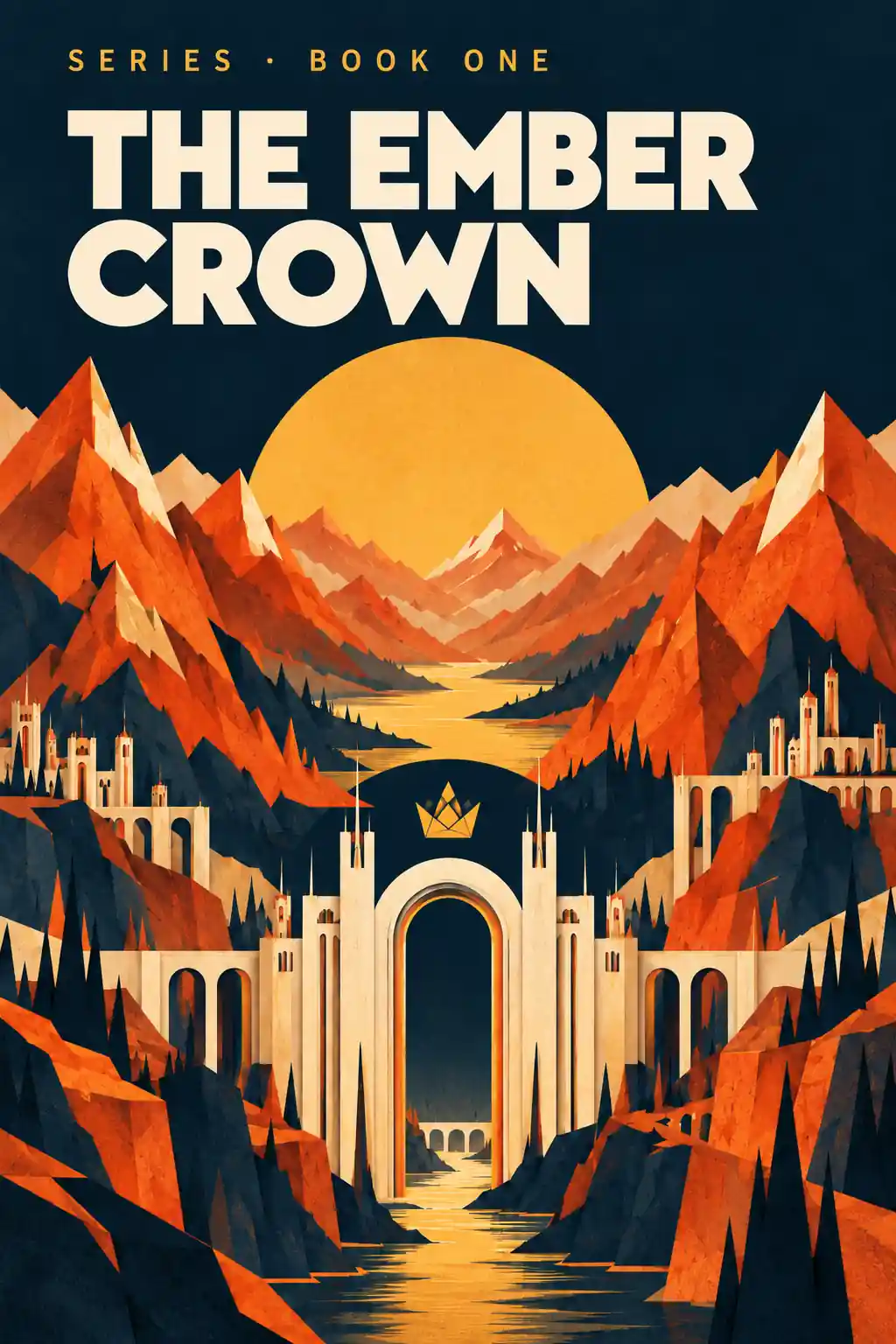
The Ember Crown, an illustrative epic fantasy cover
Epic Fantasy

Keep straightMagic systems, rival kingdoms and a cast of dozens.
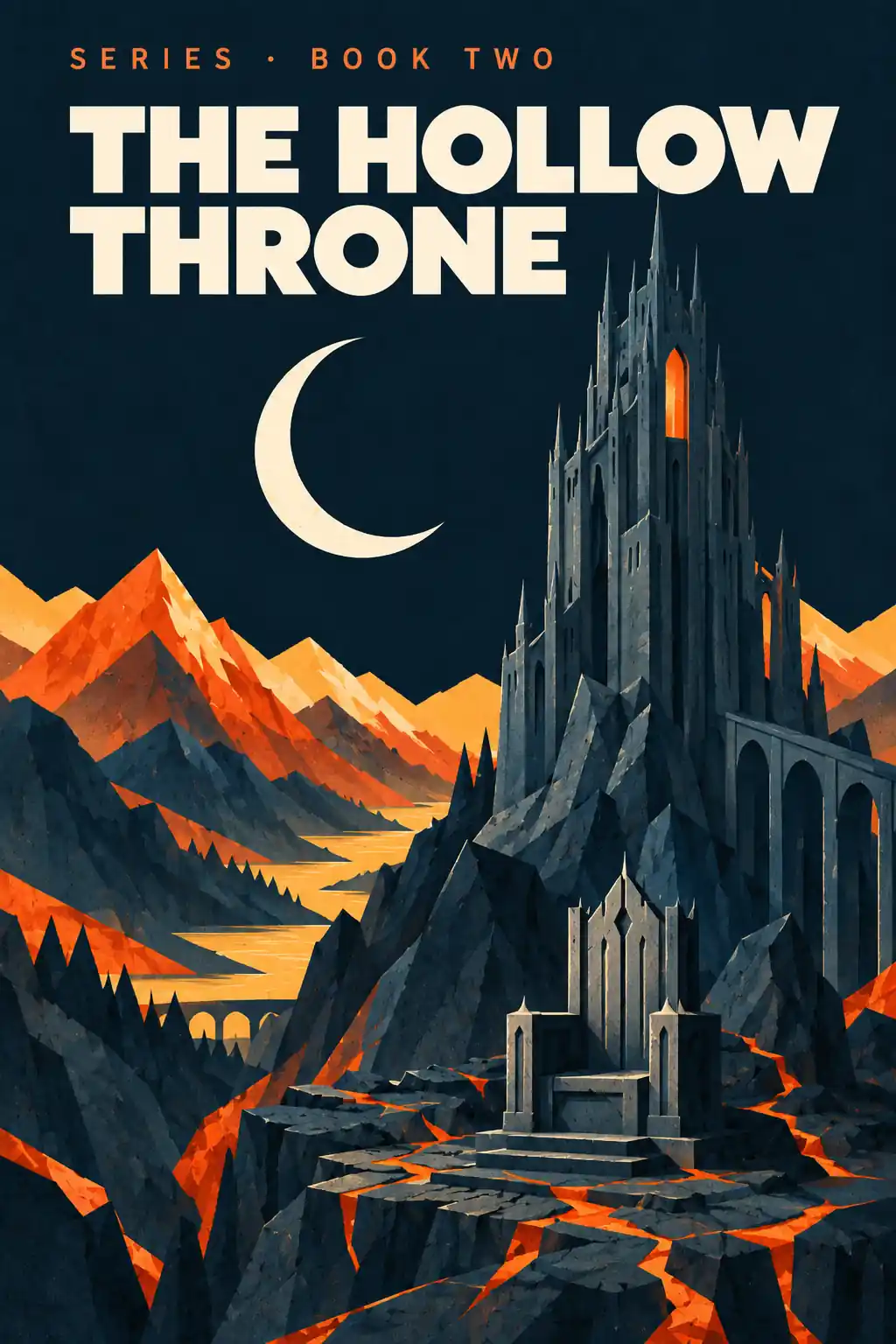
The Hollow Throne, an illustrative dark fantasy cover
Dark Fantasy

Keep straightCurses, betrayals and who is still alive.
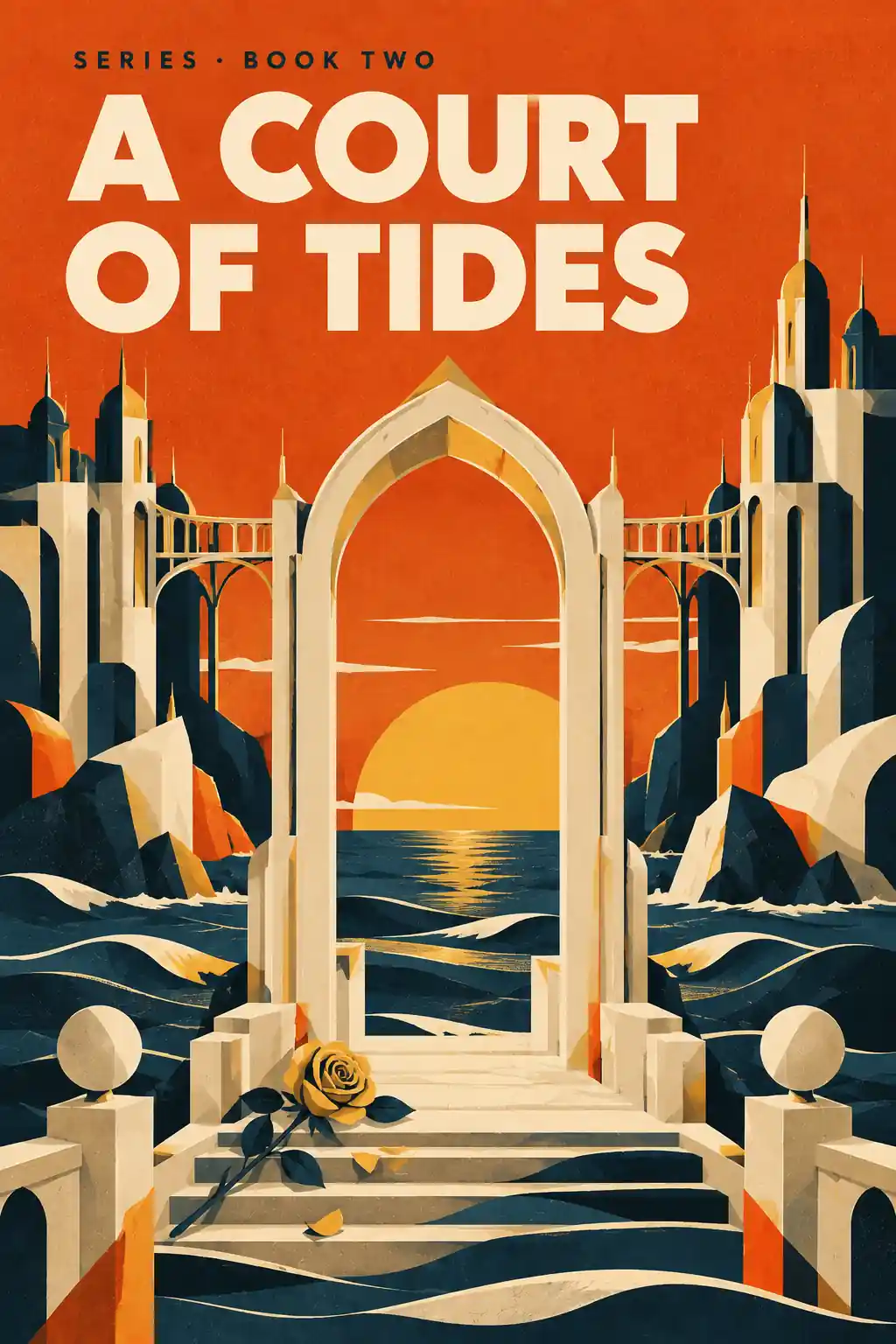
A Court of Tides, an illustrative romantasy cover
Romantasy

Keep straightCourts, bargains, bloodlines and slow-burn timelines.
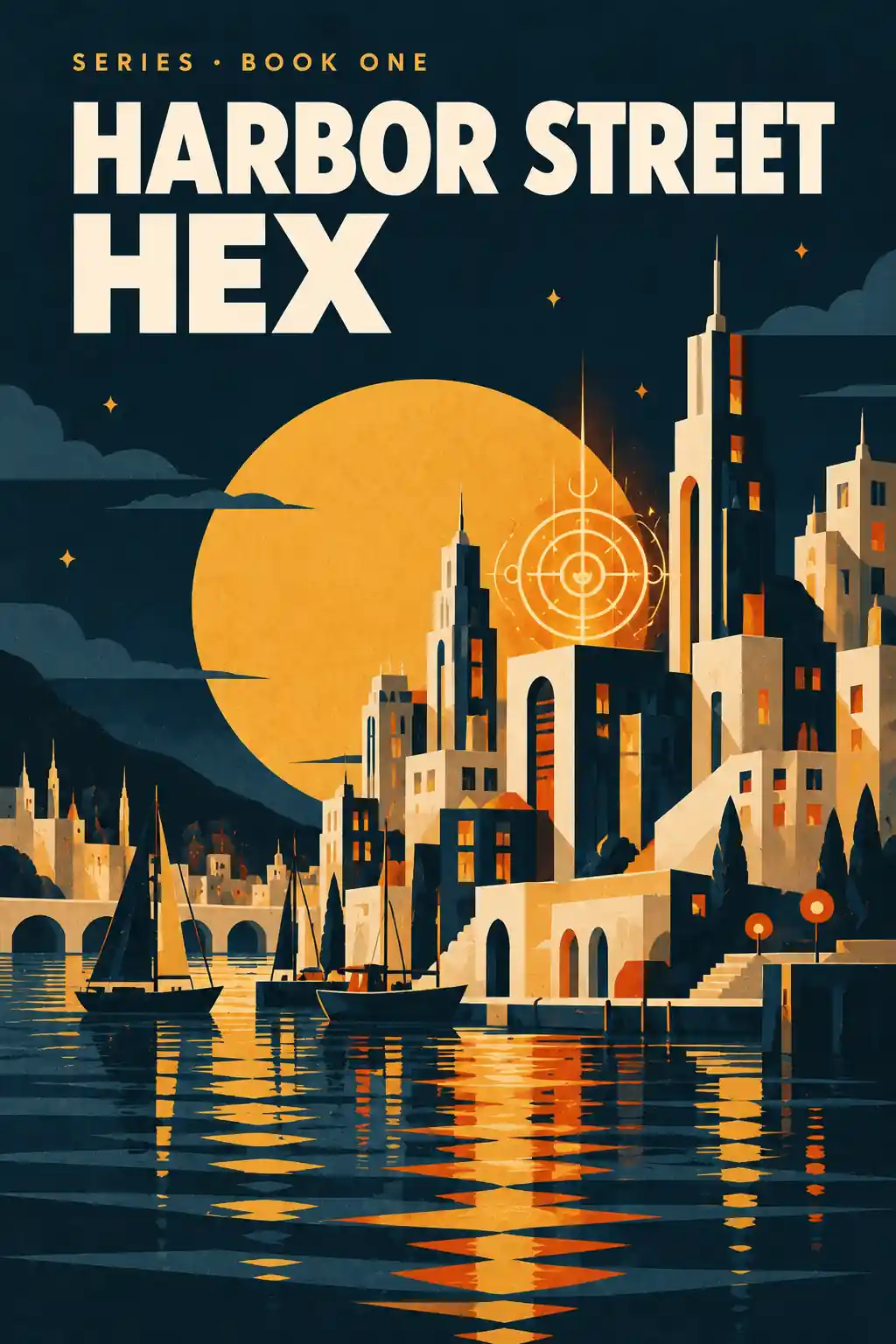
Harbor Street Hex, an illustrative urban fantasy cover
Urban Fantasy

Keep straightHidden factions, city streets and secret identities.
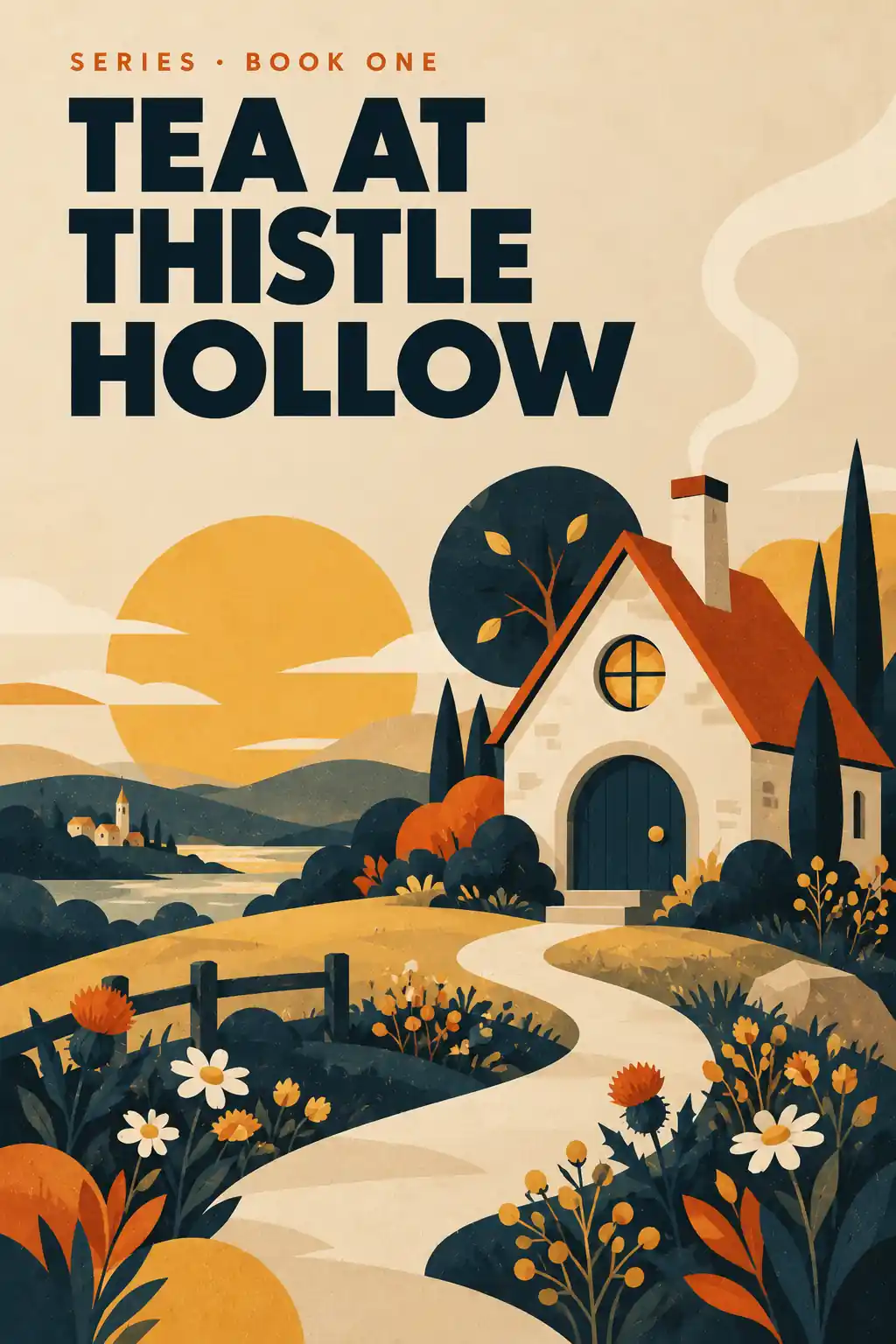
Tea at Thistle Hollow, an illustrative cozy fantasy cover
Cozy Fantasy

Keep straightVillage folk, favourite places and the gentle rules of magic.
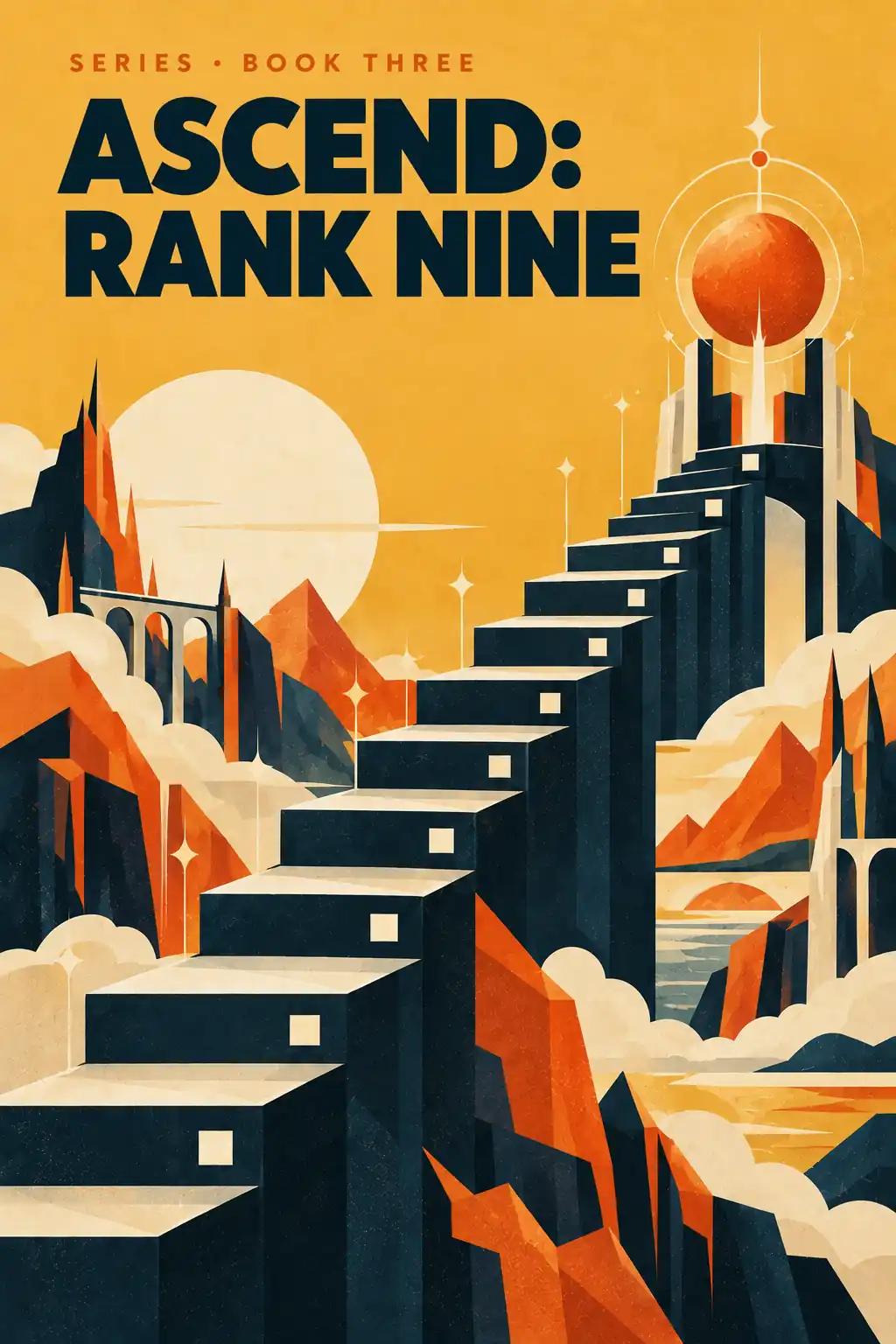
Ascend: Rank Nine, an illustrative progression fantasy cover
Progression Fantasy

Keep straightPower levels, ranks, skills and every rule of the system.

Covers are illustrations of fantasy sub-genres for this page, not books produced by any software.

Imagine Your Fantasy Series Lined Up on a Reader's Shelf…

Book one, two and three. Every detail still matching.

Writing a Fantasy Series in Scattered Docs Is Like Mapping a Kingdom on Napkins.

It works for a chapter or two. Then the cast grows, the map spreads and the magic gets rules. Somewhere around book two, the napkins stop adding up.

The Forgotten Character

A side character from book one walks back in with a new eye colour and a different backstory. Readers remember. You didn't.

The Drifting Map

The capital was two days' ride north. Now it's a week west. Every city starts to blur into the next.

The Broken Magic

Magic that cost blood in chapter 3 is free in chapter 30. Fantasy readers notice when the rules quietly change.
Writing a series without a system is the fastest way to A STALLED BOOK TWO.
Officially Introducing

Ocean Novel

The browser-based novel-writing studio that keeps your fantasy series' characters, world, plot and manuscript in one place, from first idea to a Word file you can upload to KDP.

One-time payment • No monthly fees • Nothing to install
Inside Ocean Novel

Your Story-World Command Center.

Built for consistency, not shortcuts

Welcome to the core of Ocean Novel. It isn't a robot that writes your book for you. It's the studio where your series lives: manuscript, characters, world and plot, side by side.

Start a book, fill in your story bible, add your cast and places, then write scene by scene. When the draft is done, export a Word file you can upload to KDP. You stay the author. Ocean Novel keeps the facts.

  • Everything Connected@mention characters and places right inside your scenes.
  • Nothing LostEvery change autosaves and syncs to your account.
  • A Real Finish LineExport to Word (.docx) or plain text when the draft is done.
What Makes Ocean Novel Different

Turn Scattered Notes Into a Series That Holds Together.

Stop rereading. Start writing.

Ocean Novel was built to remove the hardest parts of writing a fantasy series: remembering every detail, finding the right note at the right moment, and pulling all your chapters together at the end.

No installs No monthly fees No twenty-tab juggling No hunting through old chapters

Just open your book, and every character, place and plot point is one click away, from your first idea to a Word file you can upload to KDP.

A Connected Story World

@mention a character or place and it links straight into your scene. The "in this scene" panel shows who is on stage, scene notes sit right beside the text, and Search & Replace renames anything across the whole book with a preview and undo.

So your manuscript reads like one world, not a pile of scattered notes.

Your Own Author Studio

Books, characters, places, plot and notes live together in one browser workspace. Every change autosaves and syncs to your account, so you can pick up where you left off without hunting for local files.

Your world stays organised, synced and easy to come back to.

Clean Export to Word

When the draft is done, export your manuscript to Word (.docx) or plain text in one go, ready to review, polish and upload to KDP. No stitching forty chapter files together by hand. You keep full control of the final formatting.

Plan Write Export

Built for the Fantasy Series Workflow

Ocean Novel follows the way a fantasy series actually gets made. Instead of jumping between docs, spreadsheets and sticky notes, you get one studio for every step:

  • Story Bible
  • Characters & relationships
  • World Atlas
  • Chapters & scenes
  • Plot & timeline
  • Export to Word

Finally… One Studio for Your Whole Fantasy Series.

From first idea to a Word file you can upload to KDP.

The Complete Studio

12 Rooms in One Studio, Built for Your Fantasy Series.

Every part of Ocean Novel has one job: keep your story straight while you write it. Here's everything inside the Front-End edition, room by room.

01
Start Here

Your Bookshelf

Every book in one place. Start a new book with its title, pen name, genre and word-count target, then come back to it any time from your shelf.

  • Up to 3 books in your library
  • Total words, writing streak and writing time at a glance
  • A "Today's Work" task list to plan your session
02
The Foundation

Story Bible

Write down the rules of your story once, before chapter one. Every decision about voice and world has a home you can check in seconds.

  • Book details: genre, sub-genre, audience, POV and tone
  • Story core and world & rules, magic systems included
  • A writing-style guide to keep your voice consistent
03
Your Cast

Character Board

A writer's-desk board for everyone in your story. Give each character a face and a file you can open the moment you need a detail.

  • Portraits from your own uploaded images
  • Role, goals and flaws for every character
  • Up to 25 characters per book
04
Who Trusts Whom

Relationship Map

See every loyalty, feud and romance on one visual map, so a betrayal in book two still makes sense against book one.

  • Six link types: Family, Ally, Friend, Lover, Rival, Enemy
  • A visual board you can arrange your own way
  • Colour-coded lines you can read at a glance
05
Your World

World Atlas

Every castle, city and forgotten ruin gets its own card, so your geography stays put from the first chapter to the last book.

  • Location cards with your own images
  • Group places by region, in card or map view
  • Up to 15 locations per book
06
Where You Write

Writing Studio

Your manuscript, organised the way a novel is actually built. Move a scene, split a chapter or reshape a whole part without copy-pasting a word.

  • Binder of parts, chapters and scenes
  • Drag and drop to reorder anything
  • Autosave, word count and a book-goal progress bar
07
Beside Every Scene

Scene Companion

The details you need, right next to the words you're writing. No more opening five tabs to remember who is in the room.

  • @mention characters and places as you type
  • "In this scene" panel for your cast and places
  • Scene notes and a distraction-free focus mode
08
The Shape of the Story

Plot & Timeline

Lay out your acts and arcs before you get lost in the middle, then tick off each turning point as the draft reaches it.

  • Three views: Acts, Arcs and Branch tree
  • Tag each event with the characters in it
  • Mark turning points as reached in the draft
09
Change Your Mind Safely

Global Search & Replace

Renamed your villain halfway through? Find and change it everywhere at once, and see exactly what will change before you commit.

  • Searches manuscript, characters, places, notes and Story Bible
  • Filter by type, match case or whole word
  • Rename & Replace mode with preview and undo
10
The Finish Line

Export & Cloud Sync

When the draft is done, take it with you. Your work syncs to your account the whole way, so nothing is stuck on one computer.

  • Export to Word (.docx) or plain text (.txt)
  • Optional title, copyright, about-the-author and review-request pages
  • @mention tags cleaned out of the exported text
11
Who's Been Forgotten?

World Radar

See how often each character and place actually shows up in your manuscript, right from your dashboard, so nobody important quietly disappears for ten chapters.

  • Mention counts for your characters and places
  • Filter the radar by type
  • Spot who's been quiet and bring them back
12
Know What's Next

Book Overview

Open any book and see where it stands: your chapters at a glance, what to write next, and how much of your plot the draft has already reached.

  • Every chapter of the book at a glance
  • "Next up" shows what to write next
  • "Plot coverage" tracks how far the draft has reached
Small things, big difference

And There's More…

Your Editor, Your FontPick the typeface and text size you like to write in.
Story DefaultsSet your usual POV and tone once for every new book.
Shelf Cover DesignerChoose a colour and art style for each book on your shelf.
Logline & PremiseCapture the heart of your story the moment you start.
One-File BackupDownload everything in your account as a single file.
Author ProfileYour pen name and bio feed your title and about-the-author pages.
Writing Stats You ControlStreak, total words and writing time, with settings you can adjust.
Nothing to InstallIt all runs in your browser and syncs to your account.

From First Idea to a Word File, in One Simple Flow.

Create your book Build your world Write your scenes Track your plot Export to Word

All twelve rooms, and everything above, are included in Ocean Novel Front-End. You write the story. Ocean Novel keeps every character, place and plot thread exactly where you left it.

Front-End limits: up to 3 books, 25 characters and 15 locations per book.

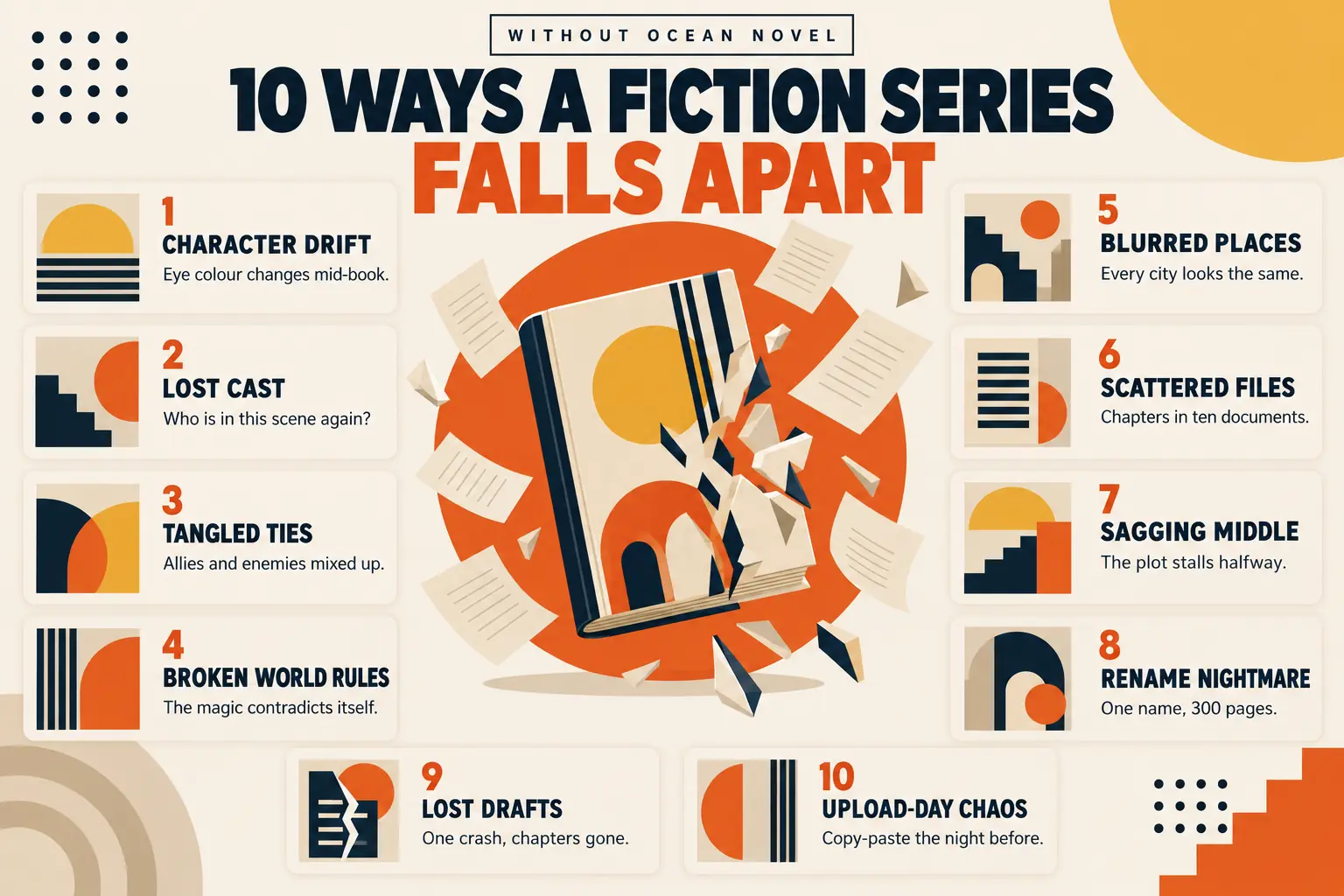
Most of these don't show up until book two, a reader review, or the night before you upload.

The Fix

Here's How Ocean Novel Stops Each One.

  1. 01

    Character drift

    CharactersPortraits, roles, goals and flaws sit on one board, so you check instead of guess.

  2. 02

    Lost cast

    In this scene@mention a character and they appear in the scene's cast panel while you write.

  3. 03

    Tangled ties

    Relationship mapLink characters as family, ally or enemy and see every loyalty at a glance.

  4. 04

    Broken world rules

    Story BiblePremise, POV, tone, style and world rules written down once, ready whenever you need them.

  5. 05

    Blurred places

    World AtlasLocation cards with images, grouped by region, give each setting a fixed shape.

  6. 06

    Scattered files

    BinderParts, chapters and scenes in one place. Drag to reorder when the story shifts.

  7. 07

    Sagging middle

    Plot & TimelineThree acts, story arcs and a branch tree, with turning points you tick off as you go.

  8. 08

    Rename nightmare

    Search & ReplaceChange it across manuscript, characters, places and notes, with a preview first and undo after.

  9. 09

    Lost drafts

    Autosave + SyncEvery change saves as you type and syncs to your account in the cloud.

  10. 10

    Upload-day chaos

    ExportExport your manuscript to Word (.docx) or plain text, a file you can upload to KDP.

Ten problems. One studio. $17 one-time.

Yes! Give Me Ocean Novel for $17

30-day money-back guarantee · Runs in your browser

The Ocean Novel Advantage

From First Idea to a Word File You Can Upload.

Why spend your writing time rereading old chapters, digging through notes and stitching files together at the end?

Ocean Novel keeps your whole fantasy series in one studio, from story bible, cast and world, to chapters, plot and export.

You write the story. Ocean Novel keeps every detail exactly where you left it.

1
Plan your world before chapter oneStory Bible, characters, relationships and places, all in one book.
2
Write with every detail one tag away@mention your cast and places, and see who is in each scene.
3
Keep the plot on trackActs, arcs and turning points you tick off as the draft grows.
4
Finish with a clean Word fileExport to .docx or plain text when the draft is done, ready for KDP.
Watch It Work

See a Fantasy Series Come Together, Step by Step.

No mock-ups, no "coming soon" features. Every clip shows real screens from inside Ocean Novel, following one fantasy book from a blank shelf to a Word file.

Set Up

Start a New Book in Under a Minute

Give your book a title, pen name, genre and word-count target, and it lands on your shelf ready to plan.

  • New Book SetupTitle, pen name, genre and a word-count goal from the start.
  • Your BookshelfEvery book, your writing streak and total words on one dashboard.
Inside the app
Foundation

Write the Rules of Your World Once

Before chapter one, set the genre, audience, point of view and tone, then lock in your world's rules and your writing style.

  • Book Details & Story CoreGenre, sub-genre, audience, POV, tone and premise in one place.
  • World & Rules, Writing StyleMagic systems, laws of the world and the voice you want to keep.
Inside the app
Cast

Build Your Cast and Map Who Trusts Whom

Add characters with portraits, roles, goals and flaws, then link them on a visual relationship map.

  • Character BoardUpload your own portrait images and keep every detail on one card.
  • Relationship MapFamily, Ally, Friend, Lover, Rival or Enemy, colour-coded at a glance.
Inside the app
World

Put Every Place on the Map

Give each castle, city and ruin its own card with an image, grouped by region, in card or map view.

  • World AtlasLocation cards with your own images and a short description.
  • Regions & Map ViewGroup places by region and switch between cards and a map.
Inside the app
Write

Write With Your Whole World Beside You

Type @ and pick a character or place. It links into the scene and shows up in the "in this scene" panel.

  • Binder of Parts, Chapters & ScenesDrag and drop to reorder anything, with autosave as you type.
  • @Mentions & Scene PanelSee who and where is in each scene, plus notes and a focus mode.
Inside the app
Structure

Keep the Plot Moving, Act by Act

Lay out your story's events, then view them by acts, by arcs or as a branch tree, and tick each turning point as the draft reaches it.

  • Acts, Arcs & Branch TreeThree ways to see the shape of your story.
  • Reached in the DraftMark turning points done, so you always know what's next.
Inside the app
Revise

Rename Anything Across the Whole Book

Changed your villain's name in chapter 20? Find every mention and replace it in one go, after you've checked the preview.

  • Global SearchManuscript, characters, places, notes and Story Bible, with filters.
  • Rename & ReplacePreview every change first, and undo if you change your mind.
Inside the app
Export

Add Your Book Pages and Export to Word

Fill in the pages around your story once, choose what to include, and download a clean Word file you can upload to KDP.

  • Book PagesTitle page, copyright, dedication, about the author, acknowledgments and a review request.
  • Word (.docx) or Plain TextParts, chapters and scene breaks kept, @mention tags cleaned out.
Inside the app

Every step above is included in Ocean Novel Front-End. Ocean Novel doesn't write the book for you. It keeps your world organised while you do.

Included With Your Order

7 Fantasy Writing Bonuses: The Fantasy Series Starter Vault.

Get Ocean Novel today and you also get seven printable guides and worksheets, made to plug straight into your studio so you can start planning your series tonight.

Bonus #1 6 PDF templates

Fantasy Story Bible Templates

Six fill-in-the-blank Story Bible templates, one for each fantasy sub-genre. Answer the questions, then paste your answers straight into Ocean Novel's four Story Bible tabs.

EpicDarkRomantasyUrbanCozyProgression
  • Questions built for each sub-genre, not one generic form
  • Mapped to the app: Book Details, Story Core, World & Rules, Writing Style
  • A worked example in every template to show you how
  • Printable or fill in on screen
Bonus #2PDF worksheet

Magic System Builder

Design magic that never contradicts itself, before chapter one instead of in revisions.

  • Source, cost and limits of your magic, step by step
  • Common plot holes to check for
  • A filled-in example system to learn from
Bonus #3PDF guide

Fantasy Plot Blueprints

Three proven story shapes, laid out beat by beat, ready to rebuild inside Plot & Timeline.

  • Three-act structure for a single book
  • The hero's journey, fantasy edition
  • A three-book series arc, with how to enter each beat in the app
Bonus #4Printable PDF

Series Continuity Checklist

Everything worth writing down before you start the next book, so book two matches book one.

  • Characters: looks, ages, injuries, loyalties
  • World: places, distances, travel times
  • Story: timeline, secrets and who knows them
Bonus #5PDF guide

Fantasy Naming Guide

Names that sound like they belong to the same world, for people, cities and kingdoms.

  • Simple sound rules to give each culture its own feel
  • Hundreds of original sample names to use or remix
  • Naming mistakes that confuse readers
Bonus #6PDF guide

Fantasy Blurb Formulas

Simple formulas for the book description on your product page, with an example for every sub-genre.

  • Fill-in formulas for hooks, stakes and closing lines
  • Six worked examples, from epic to cozy
  • Series blurbs: how to tease book two
Bonus #7PDF cheat sheet

Character Archetype Cheat Sheet

Classic fantasy roles with fresh twists, laid out to match the Character board.

  • Role, goal and flaw for each archetype
  • A cliché-breaker for each, so your cast feels new
  • Relationship ideas to try on your map

All seven bonuses are downloadable PDFs, delivered on your access page right after purchase.

Get Instant Access

Start Your Fantasy Series in Ocean Novel Today.

The novel-writing studio for fantasy series

Everything You Get Today
The Studioest. value $197
  • Ocean Novel Front-End: your browser-based fantasy writing studio
  • Story Bible, Characters & Relationship Map
  • World Atlas, Plot & Timeline, World Radar
  • Writing Studio with @mentions, scene panel and focus mode
  • Global Search & Replace with preview and undo
  • Export to Word (.docx) & plain text, with book pages
  • Cloud sync, autosave & one-file backup
The Starter Vault · 7 Bonuses
  • Bonus #1 Fantasy Story Bible Templates (6 sub-genres)$47
  • Bonus #2 Magic System Builder$27
  • Bonus #3 Fantasy Plot Blueprints$37
  • Bonus #4 Series Continuity Checklist$17
  • Bonus #5 Fantasy Naming Guide$27
  • Bonus #6 Fantasy Blurb Formulas$27
  • Bonus #7 Character Archetype Cheat Sheet$18
Total estimated value$397
Yours today for$17

Values are our own estimates of what each item would be worth sold on its own. They are not prices we have charged before.

WarriorPlus Launch Special
$17

One-time payment · No monthly fees

Launch price · goes up to $27 after launch Get Ocean Novel Now · $17
Buy Ocean Novel on WarriorPlus
Secure WarriorPlus checkout 30-day guarantee Instant access

What Front-End includes: up to 3 books, 25 characters and 15 locations per book, with Word and plain-text export. Optional upgrades (unlimited books, a fantasy art library and EPUB export) are offered after checkout. You don't need them to use everything on this page.

30Day

Our 30-Day "It Works As Shown" Guarantee

Everything on this page is a real feature you can use the moment you log in. If Ocean Novel doesn't work as described and our support team can't fix it within 30 days of your purchase, contact us and we'll refund you.

The Choice Is Yours

Two Ways to Write Your Next Series

Keep Doing It the Old Way
  • Juggle docs, spreadsheets and sticky notes for every book.
  • Reread old chapters every time you need a detail.
  • Hope book two still matches book one.
Write It in Ocean Novel
  • Your whole world, cast and plot in one studio.
  • Every detail one search or @mention away.
  • A clean Word file when the draft is done, at the $17 launch price.
Yes, I'll Write It in Ocean Novel

Meet the Creator Behind Ocean Novel

Ocean Novel is built and supported by a small independent team. Questions before you buy? Email me directly and you'll get a real answer.

Owen Bennet
Creator
Owen Bennet
KoJi Academy
owenbennet@kojilaunch.com
?Straight Answers

Frequently Asked Questions

Everything you should know before you get Ocean Novel, including what it doesn't do.

01Does Ocean Novel write the book for me?

No, and that's on purpose. Ocean Novel is a writing studio, not a book generator. You write the story. Ocean Novel keeps your characters, places, plot and manuscript organised so the series stays consistent.

Front-End has no AI features, so there's no API key, no credits and no AI subscription to set up. If you like drafting with ChatGPT, Gemini or Claude, you can paste your text into your scenes as you go.

02What exactly is included in Front-End?

The full studio shown on this page: Story Bible, Characters and Relationship Map, World Atlas, Writing Studio with @mentions, Plot & Timeline, World Radar, Global Search & Replace, and export to Word (.docx) and plain text, plus the 7 bonuses.

Front-End lets you work on up to 3 books, with up to 25 characters and 15 locations per book.

03What if I need more than 3 books, or more characters and places?

After checkout you'll be offered an optional Pro upgrade that removes those limits and adds a fantasy art library for portraits and locations, plus EPUB export. You don't need it to use everything described on this page.

04Can I bring in a draft I've already started?

There's no one-click file import yet. You can paste your existing chapters into Ocean Novel scene by scene, then build out your characters, places and plot around them.

05Will Amazon KDP accept the file I export?

Ocean Novel exports a Word (.docx) file, which is one of the manuscript formats KDP accepts for upload. Your parts, chapters and scene breaks come through, and you can add a title page, copyright page and more.

Final layout choices like trim size, fonts and margins are still yours to set, in Word or a tool like Kindle Create. Always check your book in KDP's previewer before you publish.

06Is Ocean Novel only for fantasy?

It's built with fantasy series in mind: magic systems, big casts, maps and long arcs. But anything with characters, places and a plot works well, from romance and thrillers to sci-fi. It isn't designed for non-fiction.

07Do I own what I write in Ocean Novel?

Yes. Your stories, characters and worlds are yours. Ocean Novel claims no rights to your writing and takes no share of any royalties.

08Are there any monthly fees?

No. Ocean Novel Front-End is a one-time payment. The upgrades offered after checkout are optional.

09Do I need to install anything? What devices does it work on?

Nothing to install. Ocean Novel runs in your web browser and syncs to your account. It's designed for desktop and laptop screens, where you have room for the binder, your manuscript and the scene panel side by side.

10Is my work saved? What if something goes wrong?

Your writing autosaves as you type and syncs to your account in the cloud. You can also download a one-file backup of everything from Settings whenever you like, and export each book to Word.

11Is there a money-back guarantee?

Yes. You're covered for 30 days. If Ocean Novel doesn't work as described on this page and our support team can't fix it, contact us within 30 days of purchase and we'll refund you.

12How do I get access and my bonuses after I buy?

Right after checkout, your WarriorPlus access page gives you the link to Ocean Novel and the download links for all 7 bonus PDFs. Create your account with the same email you used to buy and confirm it, so your purchase is matched to your account.

Still have a question? Contact us and we'll get back to you.

This site is not part of, or endorsed by, Amazon, Kindle Direct Publishing (KDP), WarriorPlus, Google, Facebook, YouTube, Microsoft, OpenAI, Anthropic or any other company named on this page. Amazon, Kindle and KDP are trademarks of Amazon.com, Inc. or its affiliates. Microsoft Word is a trademark of Microsoft Corporation. ChatGPT, Gemini and Claude are trademarks of their respective owners. All other trademarks, logos and brand names belong to their respective owners and are used only to describe compatibility.

Earnings Disclaimer

Ocean Novel is a writing and organisation tool. We make no promises about income, book sales, royalties, reviews, rankings or any business result. Writing and publishing a book takes your own time, skill and effort, and results depend on many factors outside our control, including your story, your market and how you use the software. Nothing on this page is a guarantee of future results.

Publishing Notice

Ocean Novel exports Word (.docx) and plain-text files. It does not guarantee that any file or book will be accepted by Amazon KDP or any other store. You are responsible for your book's final formatting and content, and for following each store's rules, including KDP's content guidelines and its requirement to disclose AI-generated content where that applies.

What Ocean Novel Does Not Do

Ocean Novel Front-End does not write, generate or rewrite your book with AI. Mentions of ChatGPT, Gemini or Claude on this page refer to separate tools you may choose to use on your own. You own your writing, and you are responsible for how you use any ideas, tools or content from this site.

Screens, Clips & Illustrations

Screenshots and demo clips show the real Ocean Novel interface using sample books and characters created for this page. Book covers shown in the fantasy shelf are illustrations of genres, not books made by the software. No customer testimonials are shown on this page.

Pricing & Bonus Values

The launch price applies for a limited period set on WarriorPlus, after which the price may increase. Values shown for the studio and bonuses are our own estimates of what each item would be worth sold on its own. They are not prices we have previously charged.

Service Access Notice

Ocean Novel is a browser-based software service. Access is linked to the email address used for your purchase. If a refund is issued, access to Ocean Novel and any upgrades linked to that purchase may be removed. Please export or back up your work before requesting a refund.

General Disclaimer

The information on this site is provided for general and educational purposes. We have made reasonable efforts to describe Ocean Novel accurately. Before making business, legal, financial or tax decisions, do your own research and consult a qualified professional where appropriate.

© 2026 Ocean Novel · KoJi Academy. All rights reserved. Sold through WarriorPlus.