Purchase Successful Welcome to KDP MonoCrafter
Please read the quick guide below to activate your account and upgrades properly.
CRITICAL: Read Before Registering
To unlock your account and any upgrades you purchased, you MUST register using the
EXACT SAME EMAIL
you used to checkout on WarriorPlus. Do not use a different email or your purchase data will not sync correctly.
How To Access Your Workspace
Go to the Registration Page
Click the Open App Dashboard button above to access the platform. Click on "Sign Up" or "Create Account" to begin the process.
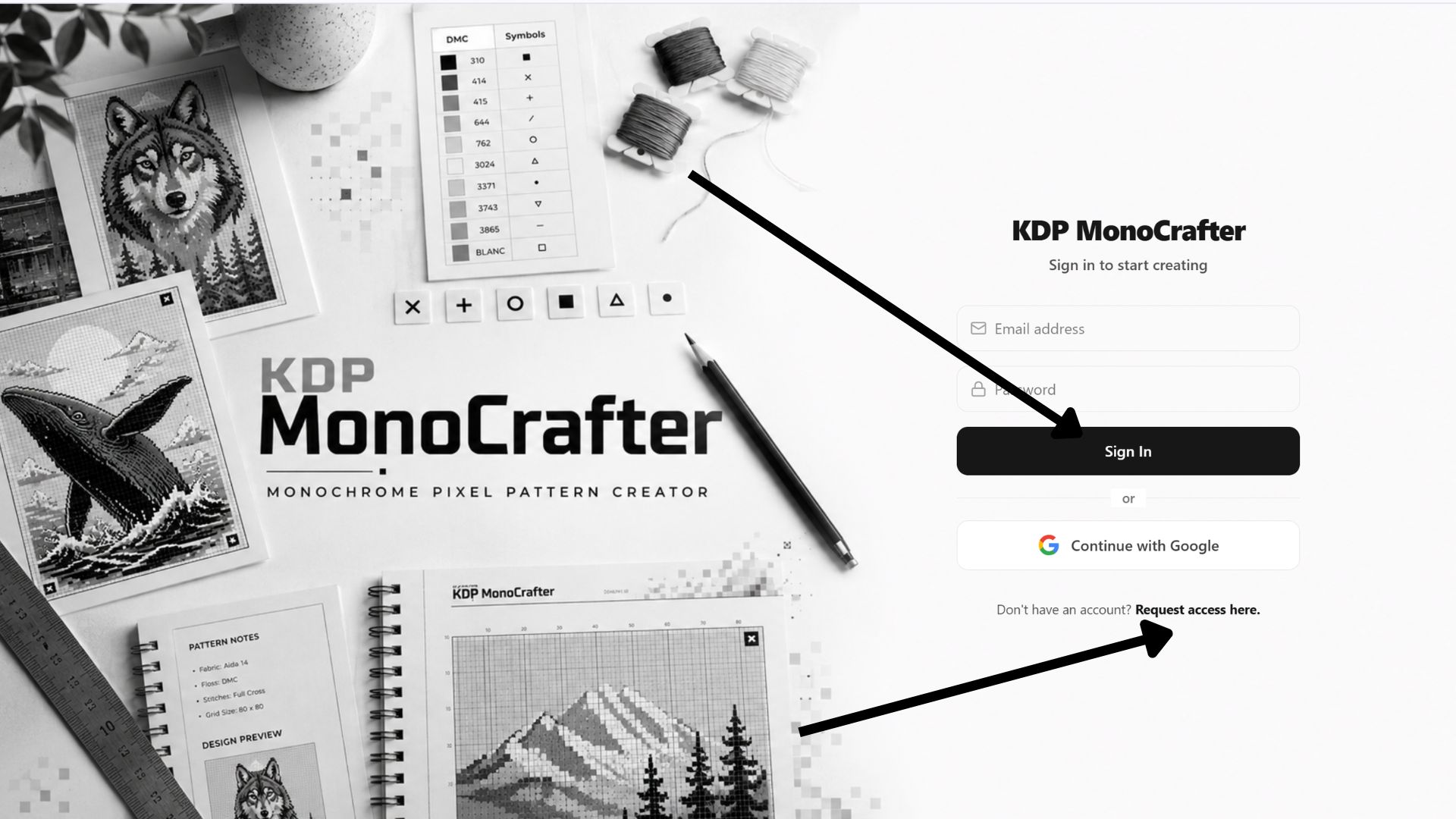
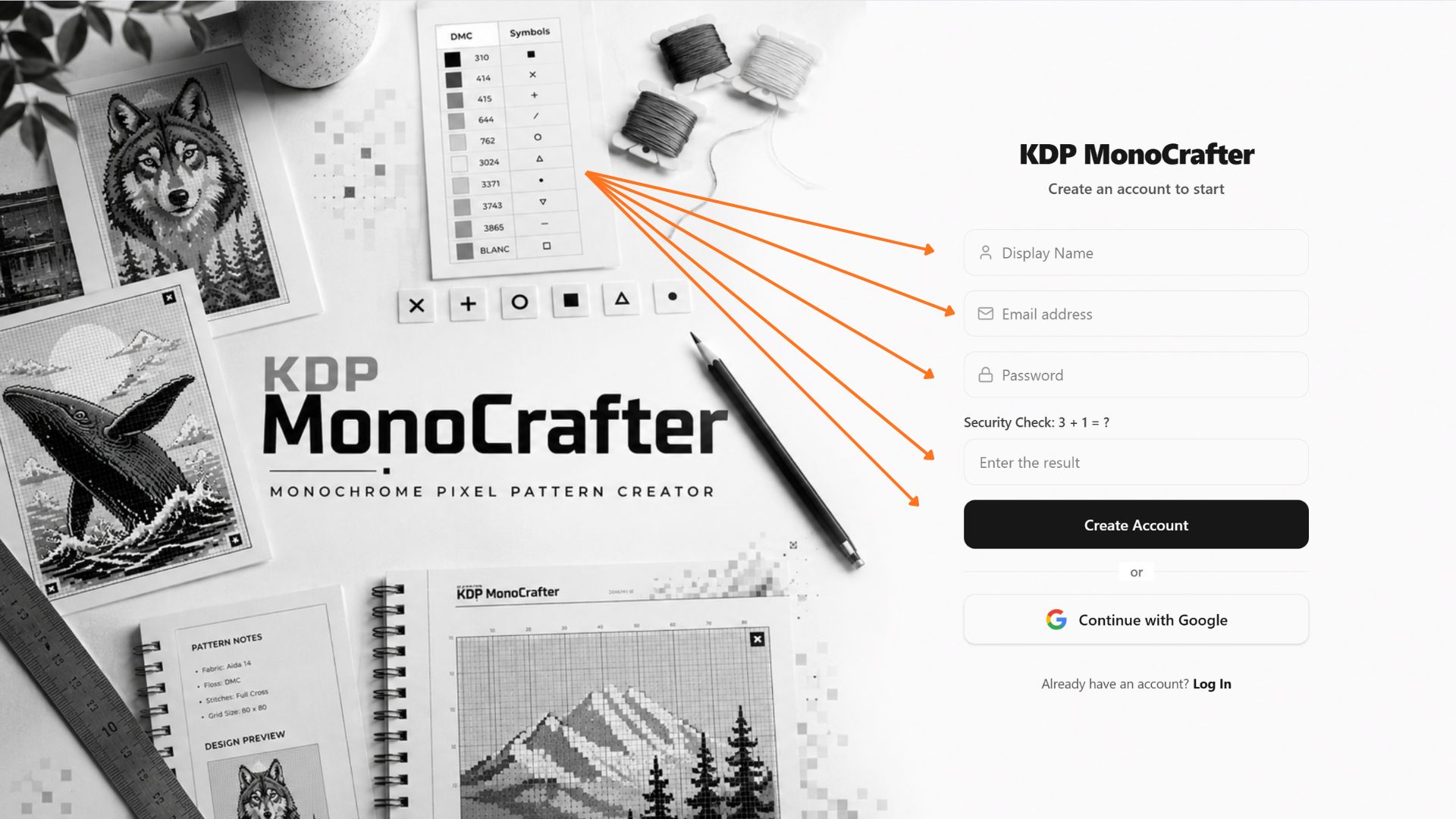
Enter Your WarriorPlus Email
This is the most important step. Type in your Email Address and choose a secure password. Verify that the email matches your WarriorPlus receipt perfectly to ensure your licenses sync.
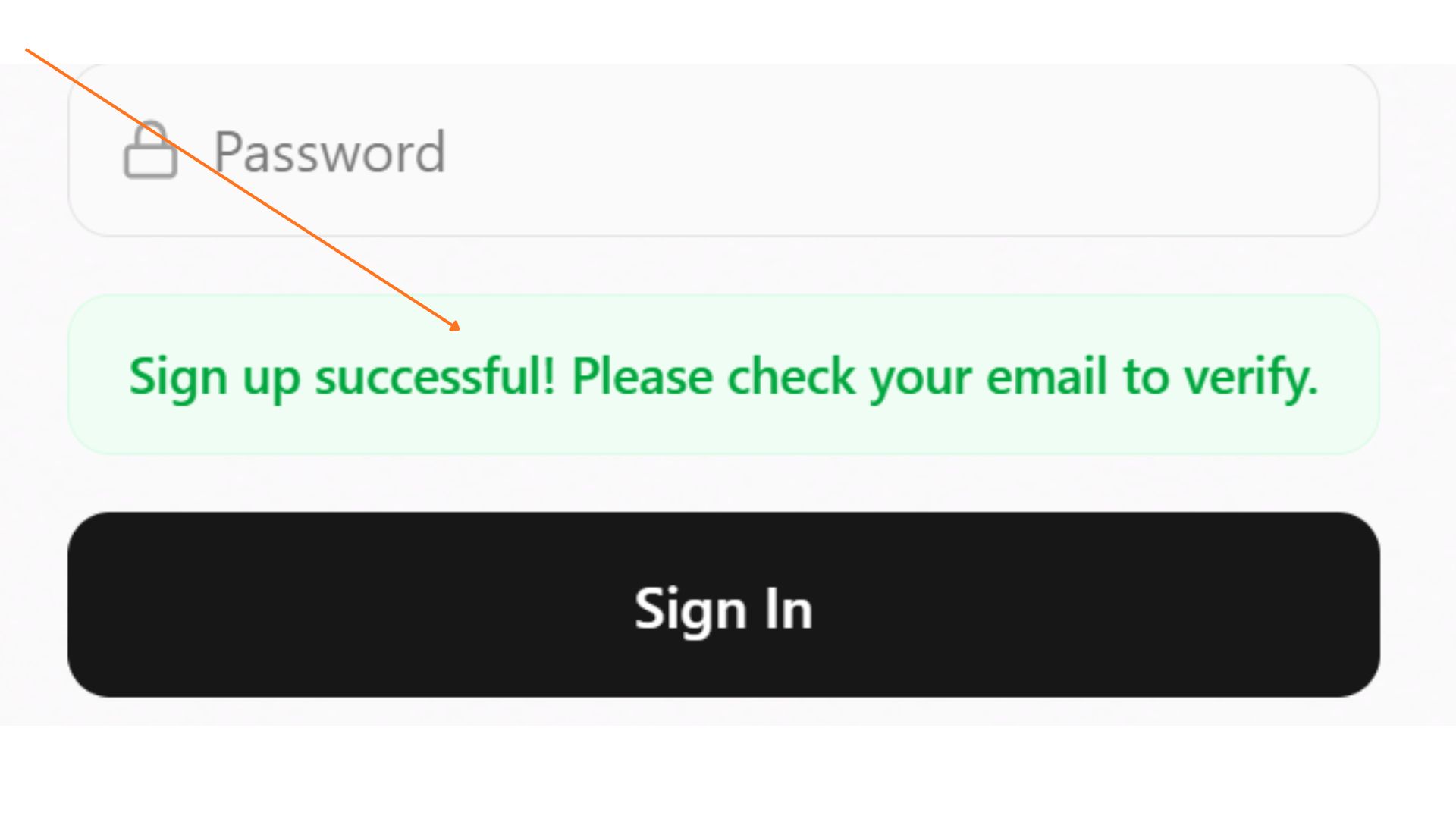
Login & Access Workspace
Once registered, log into your new dashboard. Our system will automatically sync your WarriorPlus purchase and unlock your MonoCrafter engine and any OTO upgrades you selected.
*Note: If your upgrades do not appear immediately, please wait 2 minutes and refresh the page. API data takes a moment to sync.
Need Assistance?
If you made a mistake and registered with the wrong email, or if your workspace features are not unlocking after 15 minutes, do not worry! Contact our support desk with your WarriorPlus Receipt ID, and we will sync it manually.